Rapido ILL Integration
Adding Agencies
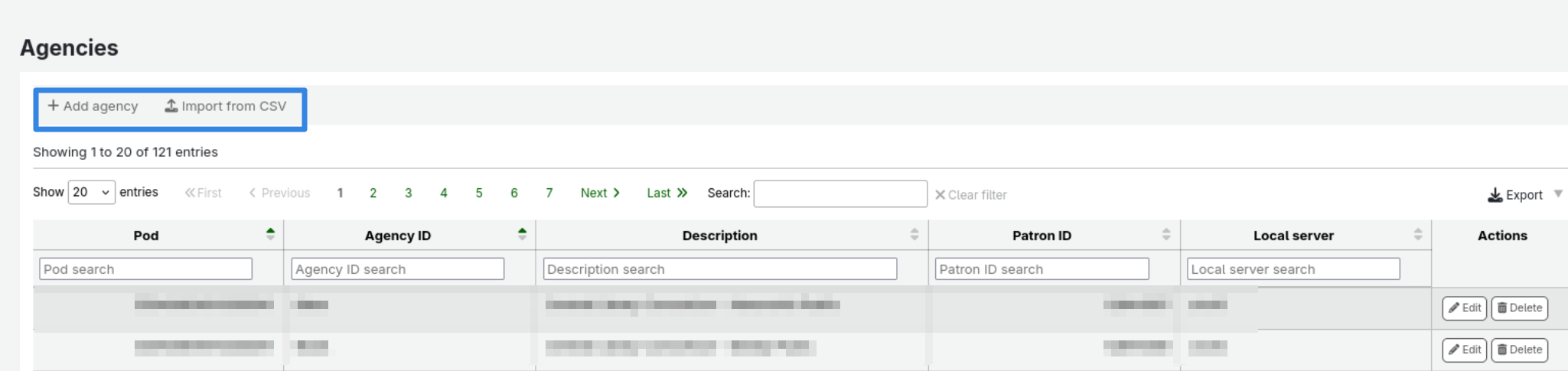
You can add agencies to your instance if a library is joining your pod. There are two options, manually adding an instance or using a CSV to import multiple instances. The CSV is usually used when setting up a new installation.
To get started, from the Rapido ILL Landing page, select Agencies. This will load a table showing any configured agencies. At the top of the page, there's buttons for Add agency and Import from CSV.
 Manual Addition
A modal will pop up on the page.
- There's a drop down of any pods configured in the configuration section. It is required to select one.
- Add the Agency ID and Description provided by your Rapido contact.
- If a patron already exists, you can specify that patron, otherwise a patron will be automatically created and linked.
- If Rapido needs the remaining fields, they will be specified by your Rapido contact.
- Save
Your new agency is now available for circulation requests.